How to reinstall VPN Master Pro on iOS
To reinstall VPN Master Pro on your iOS device, follow these steps:
1. Locate the VPN Master Pro application on your iOS device.
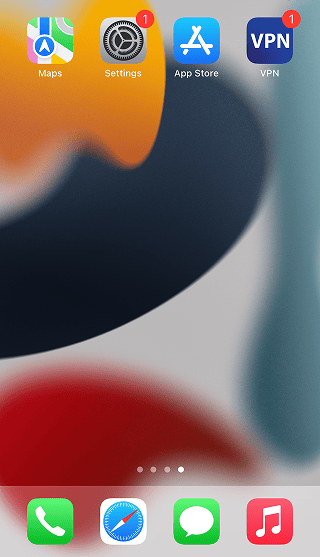
2. Long press on the VPN Master Pro application. An options menu will appear. Tap on Remove App.
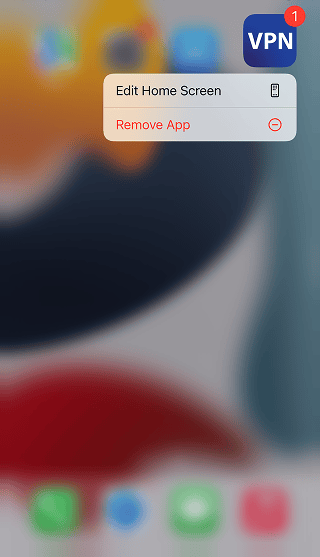
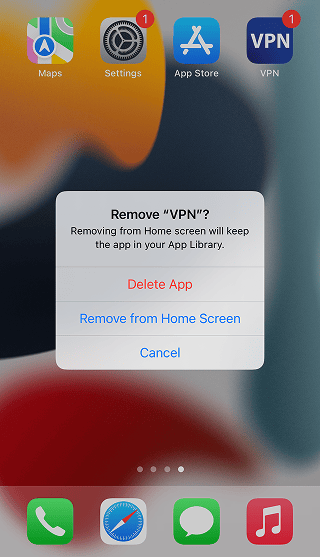
3. Tap on Delete App to confirm.
3. In the new pop-up, select Delete to remove the app data.
4. Download the updated VPN Master Pro app from the App Store.
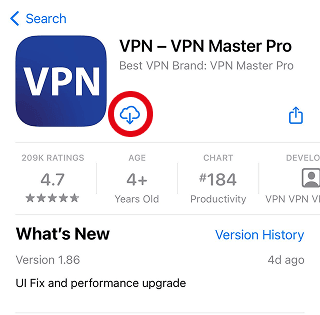
5. Install the app. Follow the article on How to set up VPN Master Pro on iOS for instructions.
Need More help?
If you are experiencing issues, please reach out to our support team for assistance.