Available on
What Celebrities Say about VMP™
More than just a VPN
Discover additional features and services that enhance your online security and privacy.

Available on multiple platforms

VPN Master Pro
Enjoy a fast and reliable connection wherever you are.

Get instant alerts about leaked data and minimize risk.

Never forget password again
Your secure digital vault for all your passwords.

Get instant alerts about leaked data and minimize risk.
Available on multiple platforms
Never forget password again
Your secure digital vault for all your passwords.
VPN Master Pro
Enjoy a fast and reliable connection wherever you are.
VPN Master Pro
Enjoy a fast and reliable connection wherever you are.
Get instant alerts about leaked data and minimize risk.
Available on multiple platforms
Never forget password again
Your secure digital vault for all your passwords.
Feature-by-feature comparison
Every claim verified against the relevant provider's public iOS app documentation.
| Feature | VPN Master Pro | ExpressVPN | NordVPN | Proton VPN |
|---|---|---|---|---|
| VMPGuard | ||||
| Anonymous use (no email required) | ||||
| Latency test in app | ||||
| In-app Family Sharing | ||||
| Daily streaks | ||||
| Achievements | ||||
| Rewards / points | ||||
| Free tier | ||||
| Dark Web monitoring | ||||
| In-app live chat (Intercom) | ||||
| App Intents | — | |||
| WireGuard | ||||
| OpenVPN | ||||
| DNS leak protection | ||||
| Ad / tracker / malware blocker | ||||
| Widgets |
Why Use a VPN?
A VPN (Virtual Private Network) creates a secure connection between your device and the internet, protecting your online privacy and security.


A VPN creates a secure, encrypted tunnel for all your internet traffic, protecting your data, banking transactions and accounts at key—especially on unsecured public networks. Whether you're working remotely or browsing while out and about, your data stays protected, as VPN encryption makes it nearly impossible for outsiders to read your traffic.
Enjoy international streaming, apps, and services wherever you travel in a fast, secure, and effortless experience.
Keep your browsing history, online activities, and personal information private. Our VPN masks your IP address and encrypts your data, preventing ISPs, advertisers, and other third parties from tracking your online behavior or collecting your personal information.
Explore Products of VMP™


Enjoy a Safer, Smoother Internet with Our VPN
Get online with a VPN you can rely on — built for privacy, speed, and total freedom.
Worldwide Servers
Connect to a vast network of VPN servers around the world. Whether you're nearby or traveling, you'll always find a server close to you.
Ultra-Fast VPN Speeds
Our VPN is engineered for speed, using high-performance servers, next-gen protocols, and unlimited bandwidth.
Built-in Web Security
Stay safe from phishing links, harmful downloads, and suspicious websites. Our built-in web security blocks dangerous and phishing sites, trackers, and intrusive ads.
Dark Web Monitoring
Get instant alerts if your personal data appears on the dark web. Our Dark Web Monitor scans leaked databases in real-time.
Defend Against Trackers
We don't track what you do — and we help make sure others can't either. Our enhanced privacy tools defend third-party trackers.
Built-in Ad Blocker
Block unwanted ads and trackers with our built-in ad blocker. Enjoy a cleaner, faster browsing experience without interruptions.
Single VPN For All Your Devices
Stay protected across all your devices — our VPN supports up to 10 connections at once. We provide secure apps for major platforms, browsers, and even routers.
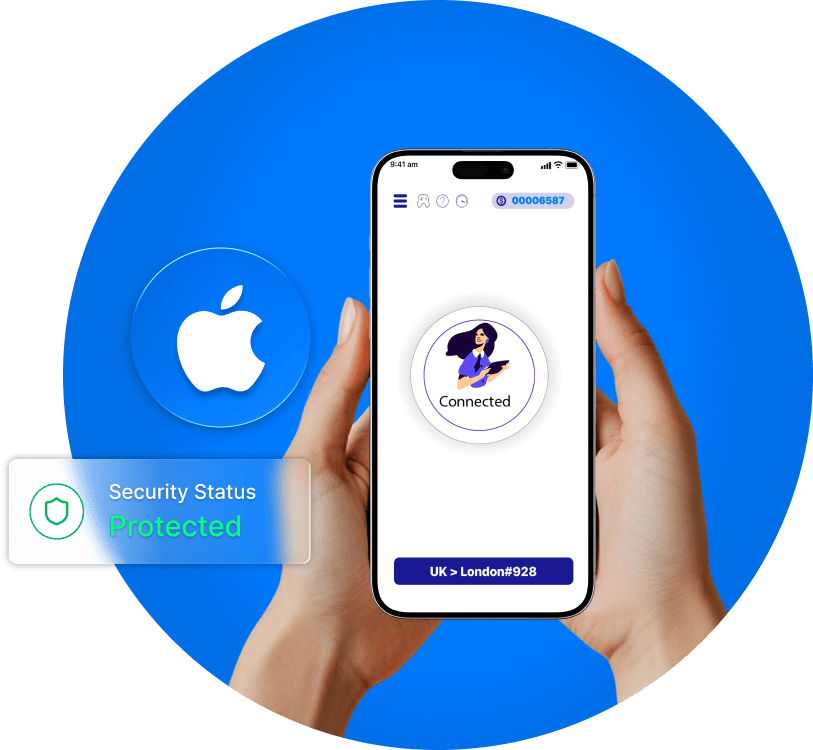
VPN for iOS
Browse, stream, and stay secure on the go with our iOS VPN app. Whether you're on Wi-Fi or mobile data, enjoy private and encrypted access to the internet. With one tap, protect your iPhone or iPad from hackers, trackers, and snoopers-anytime, anywhere.
Download on iOS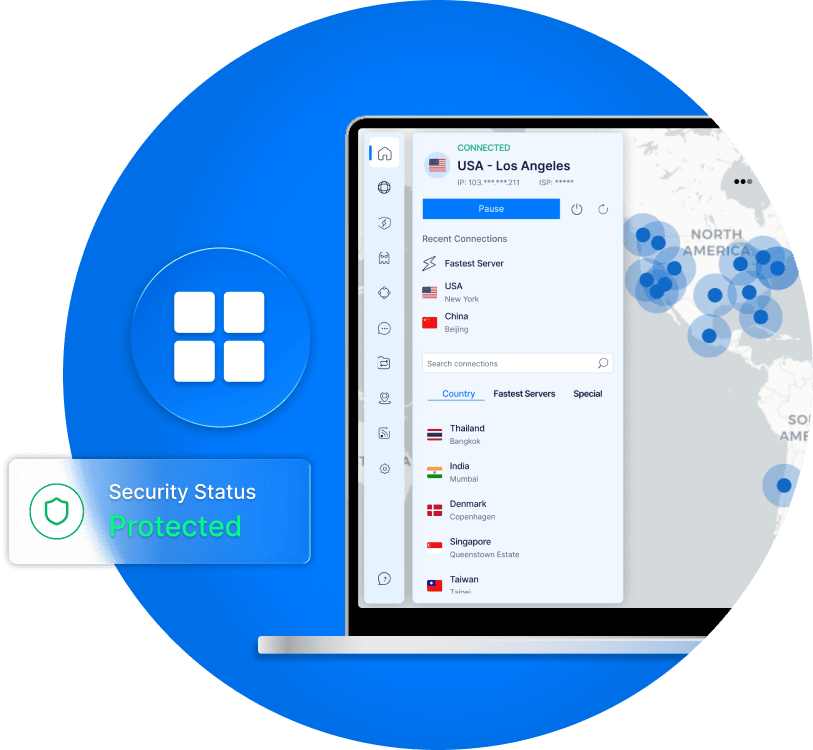
VPN for Windows
Secure your PC in seconds. Whether you're working remotely or streaming at home, our Windows app delivers fast, encrypted internet access and unlimited protection-no matter where you are.
Download on Windows
VPN for Android
Protect your smartphone or tablet on the go. Our Android VPN app gives you instant privacy, ad blocking, and lightning-fast connections with a single tap-even on public Wi-Fi.
Download on Android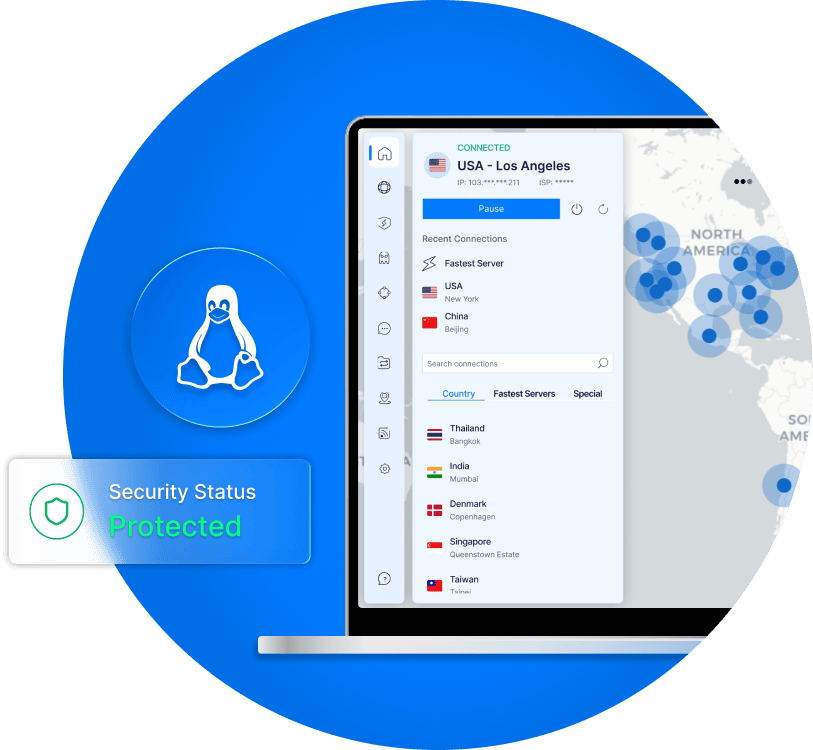
VPN for Linux
Enjoy powerful VPN protection built for developers and privacy pros. Our Linux app offers full CLI control, blazing speeds, and advanced security-optimized for all major distros.
Download for Linux
VPN for MAC
Browse safely and smoothly on your Mac. From school to office to café, our macOS app keeps your data private with reliable encryption and a sleek interface designed for Apple users.
Coming soon
All-in-One Security for Everything You Do Online
As online threats rise year after year, an all-in-one security solution isn't just smart—it's essential. From private browsing to real-time web security, VPN Master Pro helps defend your digital life from every angle.

Online Protection
Blocks intrusions, spyware, malware, phishing, ads, and trackers—automatically, every time you go online.

Malware Defense
Our web security blocks dangerous and phishing sites before they reach you—so you can browse, shop, and stream with confidence.

Remote Access
Access your secure connection from anywhere using Meshnet. Like your own private network, available within your LAN.

Identity Theft Protection
Monitor your identity, credit score, and account activity 24/7. Get up to $1M in ID theft recovery support.

Dark Web Monitoring
Get real-time alerts if your info appears on the dark web. Know what's exposed before it's too late.

Ad & Tracker Blocker
Our built-in blocker improves your browsing experience while preventing companies from profiling your behavior or slowing down your connection.
Try VMP™ Pass Password Manager
Generate strong passwords, store them safely, and access them anytime, anywhere.
Try for Free
What Our Users Say
Verified reviews from real users who rely on VPN Master Pro for fast, secure, and private browsing

"This VPN really helped me in school with contacting my mom and my friends, as the school wifi restricts the majority of my apps. This VPN didn't slow anything down, maybe even made it all quicker, and everything went smoothly without issue..."
"I've tried so many vpns but this is the only one that works so well. I'm in China most of the time, and this app is simple and really effective."
"When I first used it, I found that its connection speed was extremely fast and free. This alone is enough to surprise me. It is no worse than other paid VPNs. It can be said that it meets all my needs. I sincerely give it 5 stars!"